
Monitex Security · 24/7 U.S. Monitoring
Live Video Monitoring System With Trained Operators, 24/7
Protecting business operators nationwide
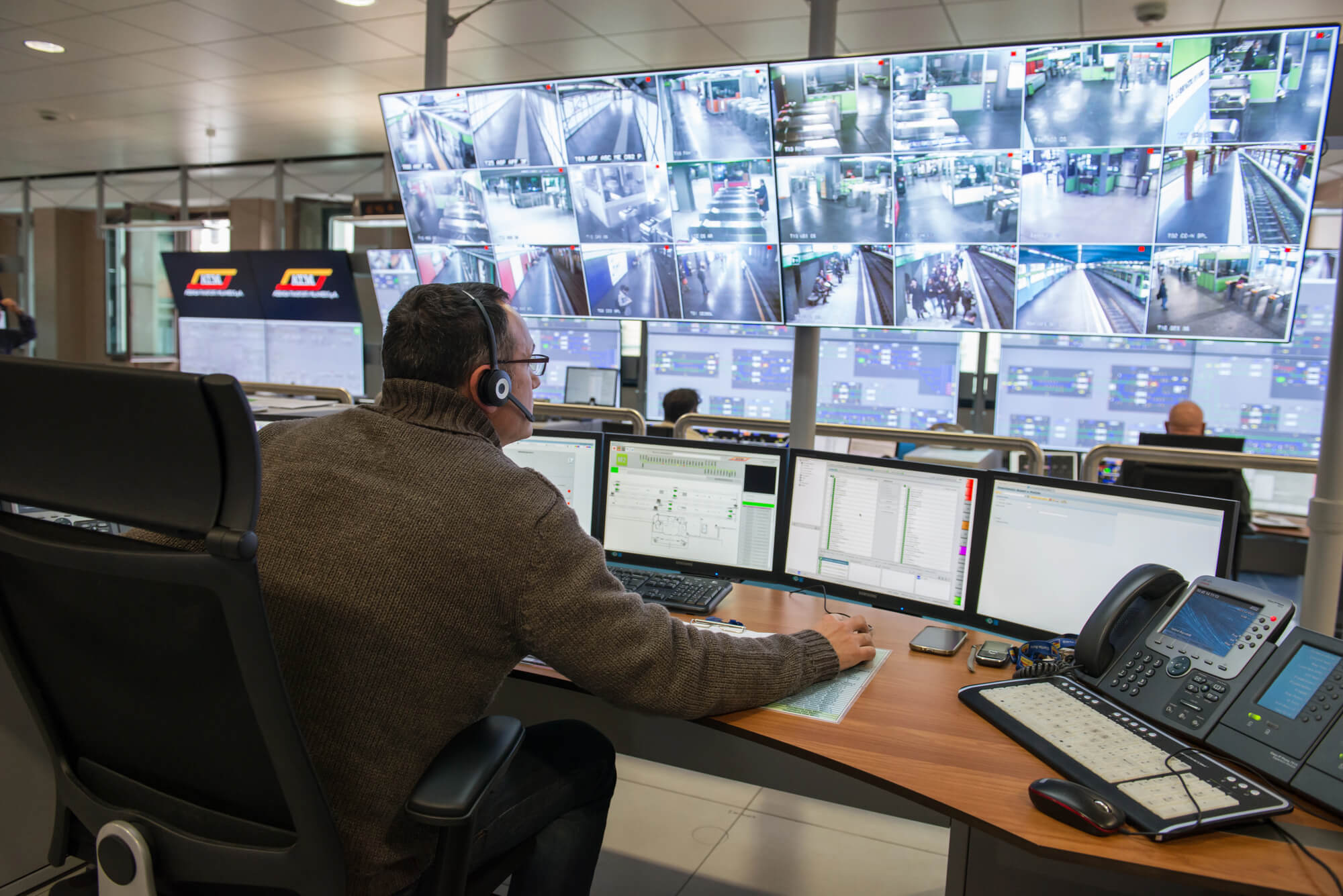
A live video monitoring system combines your security cameras, AI detection and trained operators who watch the feeds in real time. When something looks wrong, an operator checks it, warns the person through on-site speakers and contacts police if the threat continues. Monitex Security provides this service to businesses and commercial properties nationwide, using your existing cameras where they’re compatible.
What You Get With a Live Video Monitoring System With Monitex Security
A Monitex live video monitoring system puts trained people on your cameras, not just software and recordings. Our live video monitoring services cover businesses and commercial properties nationwide, day and night. Live video monitoring companies differ most in what happens after an alert, so here’s what you get from us.
- A 24/7 security video monitoring service: Trained operators watch your feeds, and AI flags activity for them to check.
- A security camera monitoring service that fits your setup: We link compatible cameras to our system, so you don’t have to start over. Speakers can be added for live warnings.
- Response set for your site: You set the hours, zones and contacts. Operators warn people through on-site speakers and contact police if a threat continues.
- Video surveillance services after an incident: You receive an incident report and video playback, and we also offer video review and analysis.
We monitor construction sites, apartment buildings, car dealerships, parking lots, warehouses, banks and other commercial properties. Monitex Security has operated since 2019, with a team of more than 550, and our live video monitoring guide explains how to compare providers.
Contact for inquiry and we’ll walk through your property with you.
How Our Live Video Monitoring Process Works
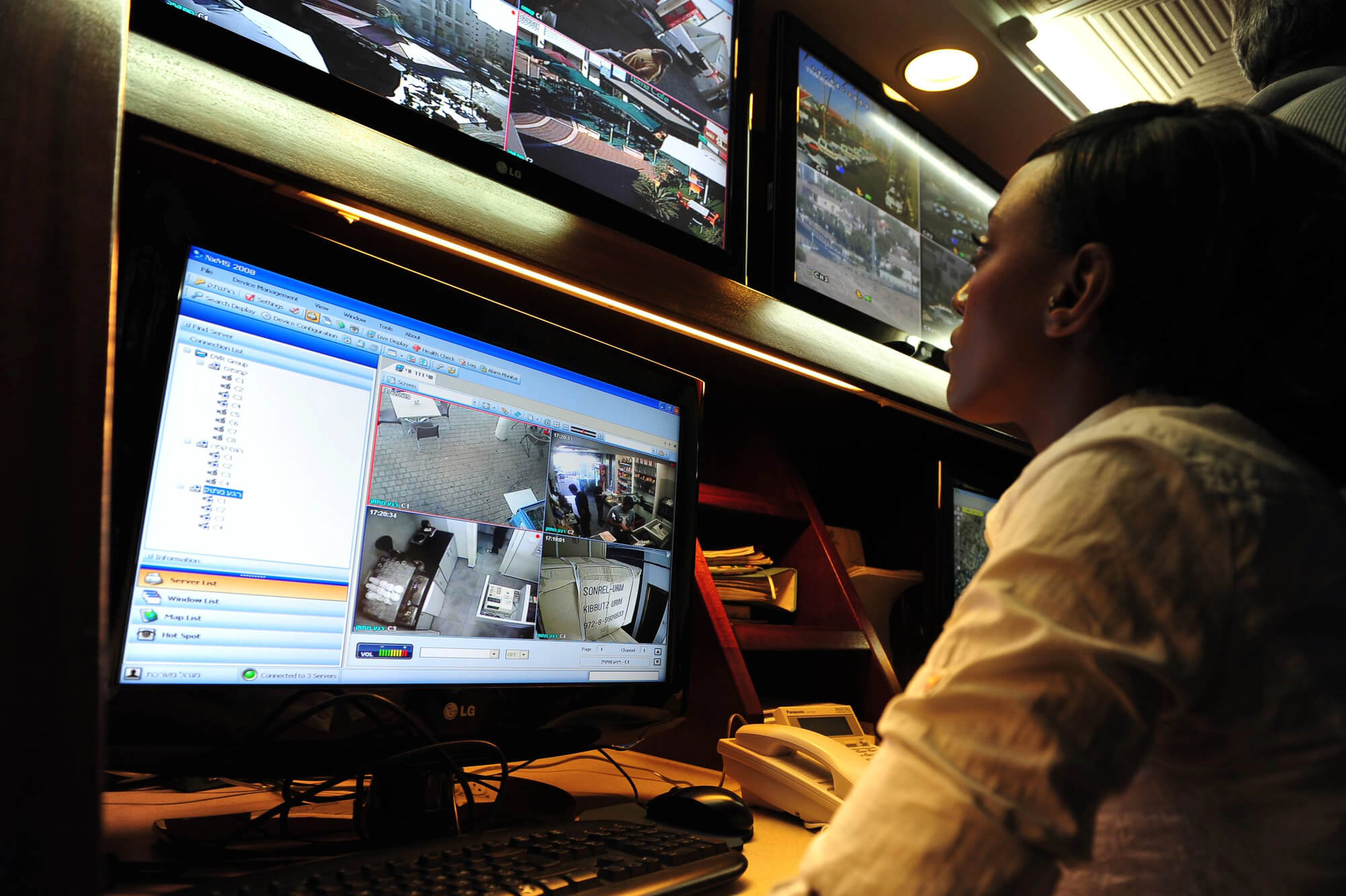
A live video monitoring system has four working parts: your cameras, AI that flags activity, the operators who verify it and on-site speakers for live warnings. Every property follows the same five steps, with procedures set for that site.
Step 01
Assess and Quote
We review your property and current security setup, including entrances, perimeter, camera blind spots, lighting, operating hours and who should be contacted. You then receive a personalized quote.
Step 02
Set Up and Sync
We link your existing CCTV to our system, or connect with camera installers near you if you need more coverage. You need cameras, power and internet. Speakers can be added so operators can talk to people on site.
Step 03
Monitor and Verify
Your live feeds stream to our monitoring center. AI flags activity, and trained operators check what’s happening and follow your site’s procedures. Second-tier managers oversee the operators to double-check that nothing is missed. It’s the same idea as video alarm verification: a person confirms what’s happening before anyone acts.
Step 04
Deter and Escalate
When an operator spots a threat, they warn the person through the on-site speakers. That tells them someone is watching and that they need to leave, which matters under trespassing law. If the threat continues, they contact police and stay in touch as officers reach the site.
Step 05
Report and Review
You receive an incident report with the details of what happened, and video playback is available for your team or police. When your site changes, such as new hours or a new entrance, contact us and your procedures can be updated.
What Happens When Security Relies on Recordings Alone
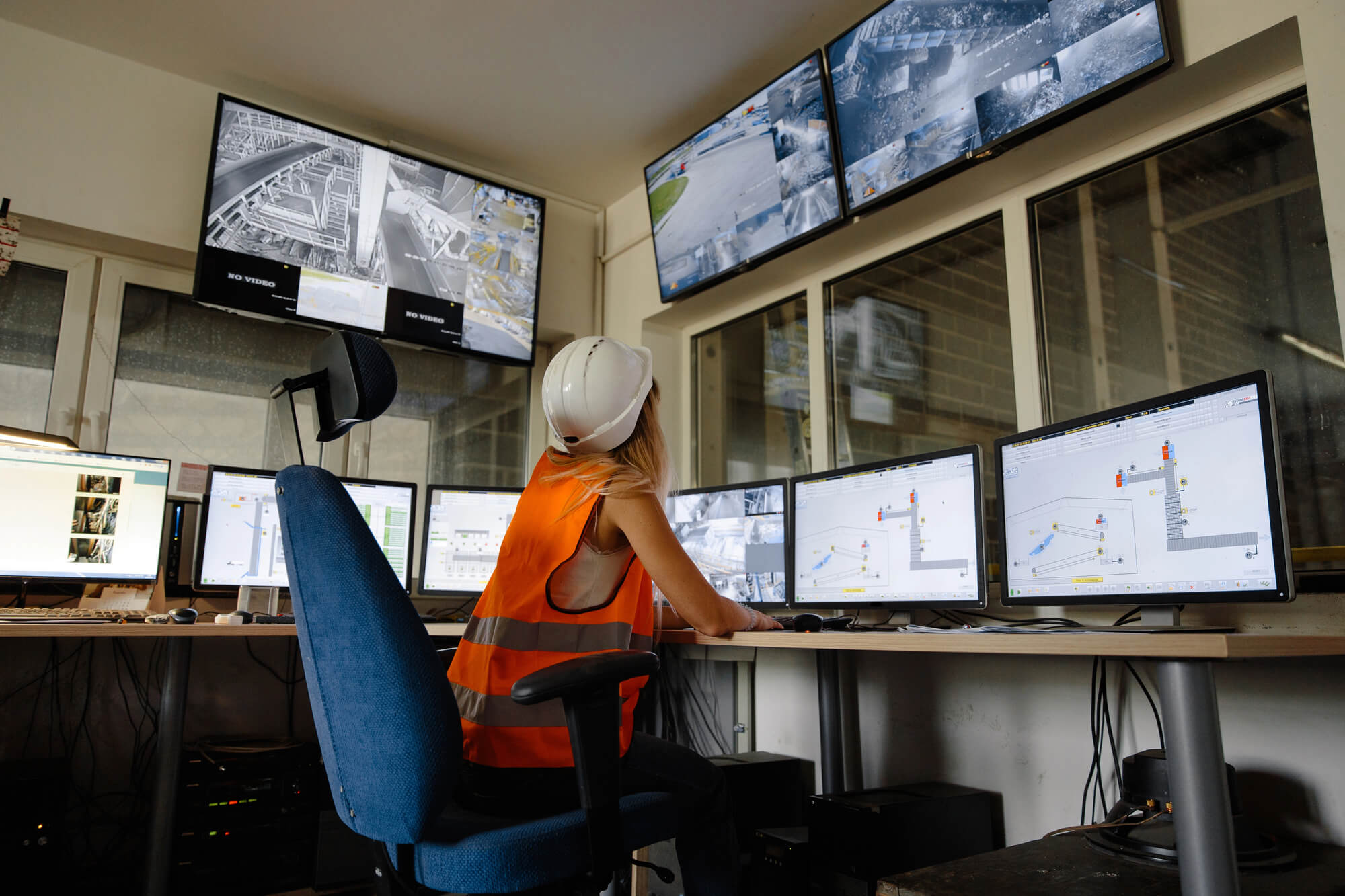
Cameras that only record tell you what happened after the loss. Break-ins, vandalism and unauthorized entry end up on footage that someone reviews the next morning. A live video monitoring system puts a person on those cameras while it matters. A 40-year review of CCTV studies (Piza and colleagues, 2019) found that actively monitored systems produced larger crime reductions than passive ones, and the Justice Department’s CrimeSolutions rates CCTV as promising for property and vehicle crime.
- Response while it’s happening: Operators can act while someone is still on your property, instead of a manager finding the damage later.
- A person’s judgment: Someone walking through a lot at 2 p.m. may be normal. The same person in a closed yard at 2 a.m. isn’t, and AI can’t always tell the difference.
- A clear record: You still get footage, plus an incident report on what happened and who was contacted.
On one client’s construction site, our monitoring team spotted a person entering after dark and called police. Officers arrived, and the suspect was taken into custody. You can watch that incident and others in our case results.
What Does a Live Video Monitoring System Cost in the U.S.?
Cost depends on your property, so every quote is scoped to the site rather than a fixed package.
These four factors affect your quote:
- Number of cameras: More monitored feeds mean more to watch.
- Monitoring hours: Round-the-clock coverage costs differently from after-hours or weekend monitoring.
- Response procedures: Sites with more escalation steps or contacts take more operator time per incident.
- Hardware and setup requirements: If you need new cameras, speakers or network work, those costs are added to the monthly monitoring fee.
Many businesses weigh this against on-site guards. Live monitoring can replace certain guard duties, such as watching cameras overnight, while some properties do better with a mix of both. We’ll tell you which fits your site.
Frequently Asked Questions
What is a live video monitoring system?
It’s a security setup where trained operators watch your camera feeds in real time and respond to what they see. It usually includes cameras, an internet connection, AI that flags activity, on-site speakers and incident reports. A standard camera system records. A monitored one responds.
What happens when a live camera alert comes in?
AI flags the activity and an operator checks the feed. If it’s a threat, the operator follows your site’s procedures, which can include a warning through the speakers, a call to your contacts or a call to police. Every decision is made by a trained person, not by software.
What do I need before monitoring can begin?
You need cameras, power and internet. You don’t always have to replace what you have: compatible cameras can be connected to our system. During the assessment, we identify blind spots and any equipment that needs attention.
What happens if an alert turns out to be nothing?
The operator sees that on camera and takes no further action, so harmless activity doesn’t turn into a police call. If the same thing keeps setting off alerts, tell us and we’ll look at your site’s setup with you.
What determines the monthly cost of live video monitoring?
The number of cameras, the hours of coverage, the complexity of your response procedures and whether you need new hardware. There’s no flat rate, because each property is different.
Can you monitor more than one location?
Yes. Single properties and multi-location portfolios both work, and each site can have its own cameras, hours, managers and response contacts. That gives you one monitoring approach across every location, and new sites can be added as you grow.
Who decides when police are called?
A trained operator decides, following the procedures set for your site. Software can flag activity, but a person checks the camera first, then warns the individual or contacts police if the threat continues.
How do I get started with Monitex Security?
Call 929-279-4999 or contact us. We start with your property, current cameras and security priorities, then give you a personalized quote before any work begins.
Get Your Live Video Monitoring Solution Quote from Monitex Security Today!