
Monitex Security · 24/7 U.S. Monitoring
Remote Access Control : Licensed Installation, Verified Entry, Total Facility Protection
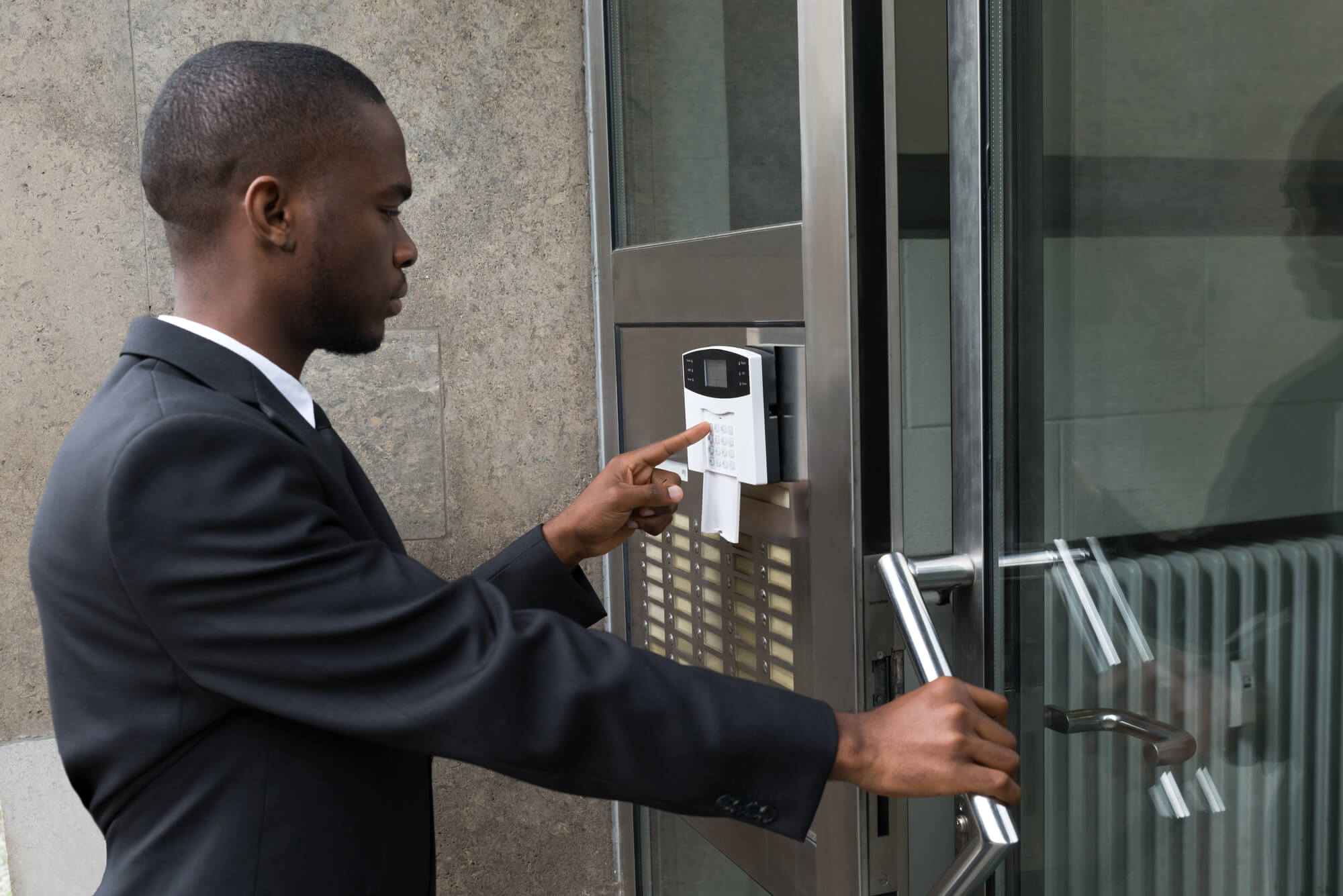
Protecting business operators nationwide
Remote access control is a physical and electronic security system that determines who can enter, exit, or access specific areas within your building or facility. Whether you manage a corporate office in New York, a multi-site retail chain, or a healthcare campus, the right access control system eliminates unauthorized entry, creates an auditable record of every movement, and gives your security team real-time visibility. Monitex Security designs, installs, and supports access control solutions for businesses and organizations across the United States and internationally.
Unauthorized Entry Costs U.S. Businesses More Than a Broken Lock
Most organizations discover their access control gap the hard way: a terminated employee who still has a key, a contractor who accessed a server room without authorization, or a theft that happened during business hours with no way to trace who was where. The problem is not always a break-in. It is uncontrolled internal access, and it is the leading cause of data breaches, inventory shrinkage, and liability exposure in commercial facilities.
A single unauthorized access incident can trigger regulatory penalties, insurance complications, and reputational fallout that far exceeds the cost of prevention. Replacing a traditional lock-and-key system with a managed access control solution eliminates the guesswork entirely.
Here is what a properly installed system delivers:
- Immediate credential revocation: When an employee leaves or a badge is lost, access is disabled in seconds from a central dashboard, with no locksmith visit required and no physical key to track down.
- Zone-level access policies: Sensitive areas like server rooms, pharmaceutical storage, or executive floors are restricted to only authorized personnel, with every access event time-stamped and logged.
- Audit-ready entry records: Every door event is stored and retrievable, giving HR, compliance teams, and law enforcement a complete record without relying on memory or paper logs.
A property management company operating a mixed-use building in New York previously used physical keys for 34 tenant suites and common areas. After a master key was duplicated without authorization, Monitex Security replaced the system with credential-based electronic access. Within 60 days, the property manager could add, modify, or revoke access for any tenant remotely, and every common area entry was fully logged.
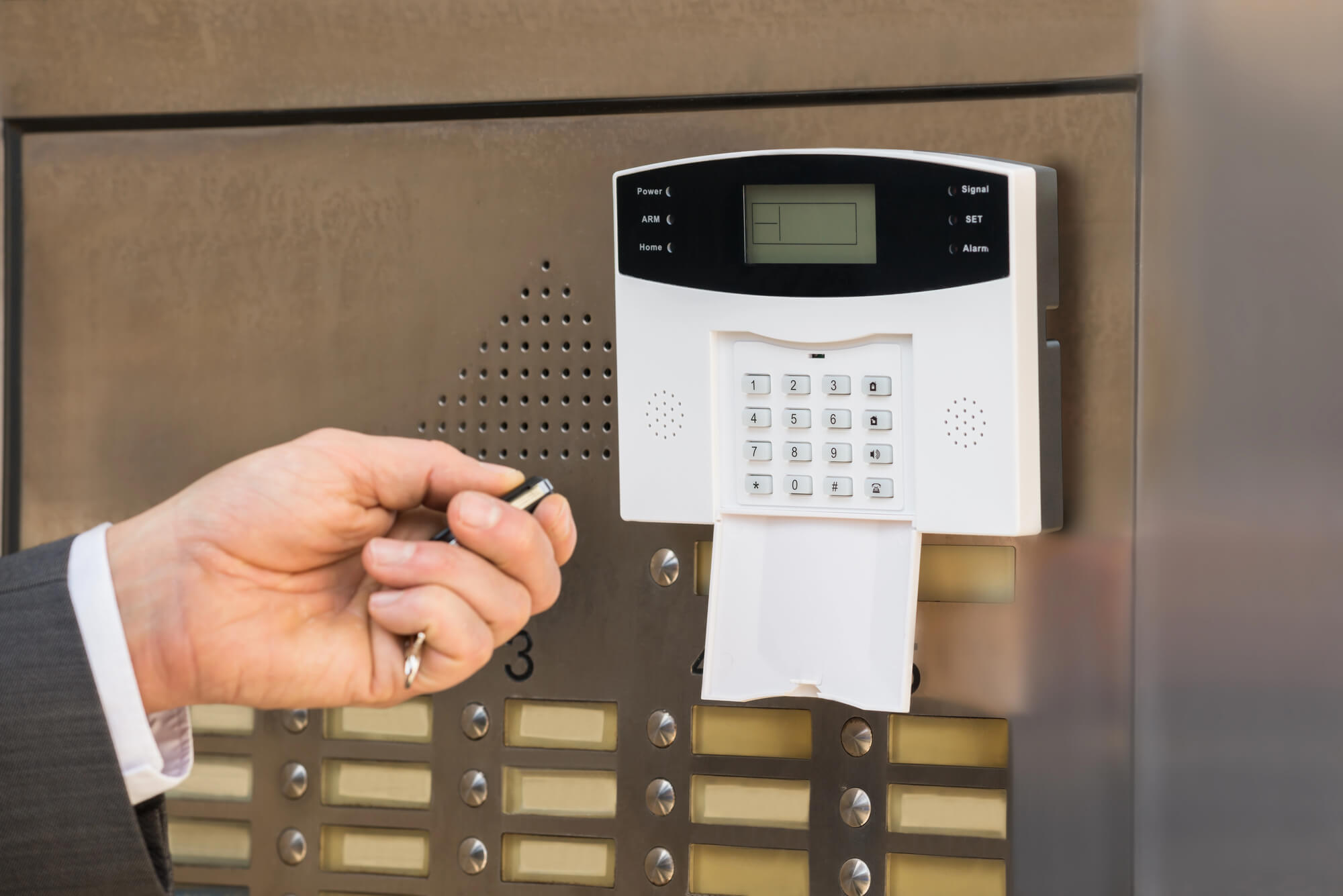
How Our Remote Access Control Process Works
Step 01
Site Assessment and Security Audit
Before any hardware is specified, a Monitex Security consultant visits your location or conducts a detailed virtual walkthrough for out-of-state clients. We map every entry point, identify high-risk zones, and assess your existing infrastructure including door frames, wiring, and network capacity. This audit typically takes two to four hours for a single-floor commercial space and produces a written scope document you keep regardless of whether you move forward.
Step 02
System Design and Hardware Specification
Based on the audit findings, we design a system architecture that fits your facility and your risk profile. This includes selecting reader types (key fob, smart card, mobile credential, or biometric), specifying control panel placement, and determining whether your system will run on-premise or through a cloud-managed platform. We present two or three tiered options so you can make a cost-informed decision before anything is ordered.
Step 03
Professional Installation and Cable Management
Our installation team of 200 trained security professionals handles all hardware mounting, low-voltage wiring, and network integration. For most small to mid-size commercial spaces, installation is completed in one to two business days. Larger multi-door or multi-site deployments are scheduled in phases to minimize disruption to daily operations. Every installation follows OSHA safety standards and local building codes.
Step 04
System Configuration and Staff Training
Once hardware is live, we configure your access policies: who gets access to what, at what times, and under what conditions. We then conduct a hands-on training session with your designated administrators so your team can manage credentials, pull reports, and respond to alerts independently. Most administrators are fully comfortable with the platform within 90 minutes of training.
Step 05
Ongoing Support and System Monitoring
Access control is not a set-it-and-forget-it investment. Monitex Security provides post-installation support via phone and email, with remote diagnostics available for cloud-connected systems. For clients in the New York area, on-site response is available. For nationwide clients, our support team at 929-279-4999 is reachable during business hours to troubleshoot, update firmware, or adjust access policies as your organization changes.
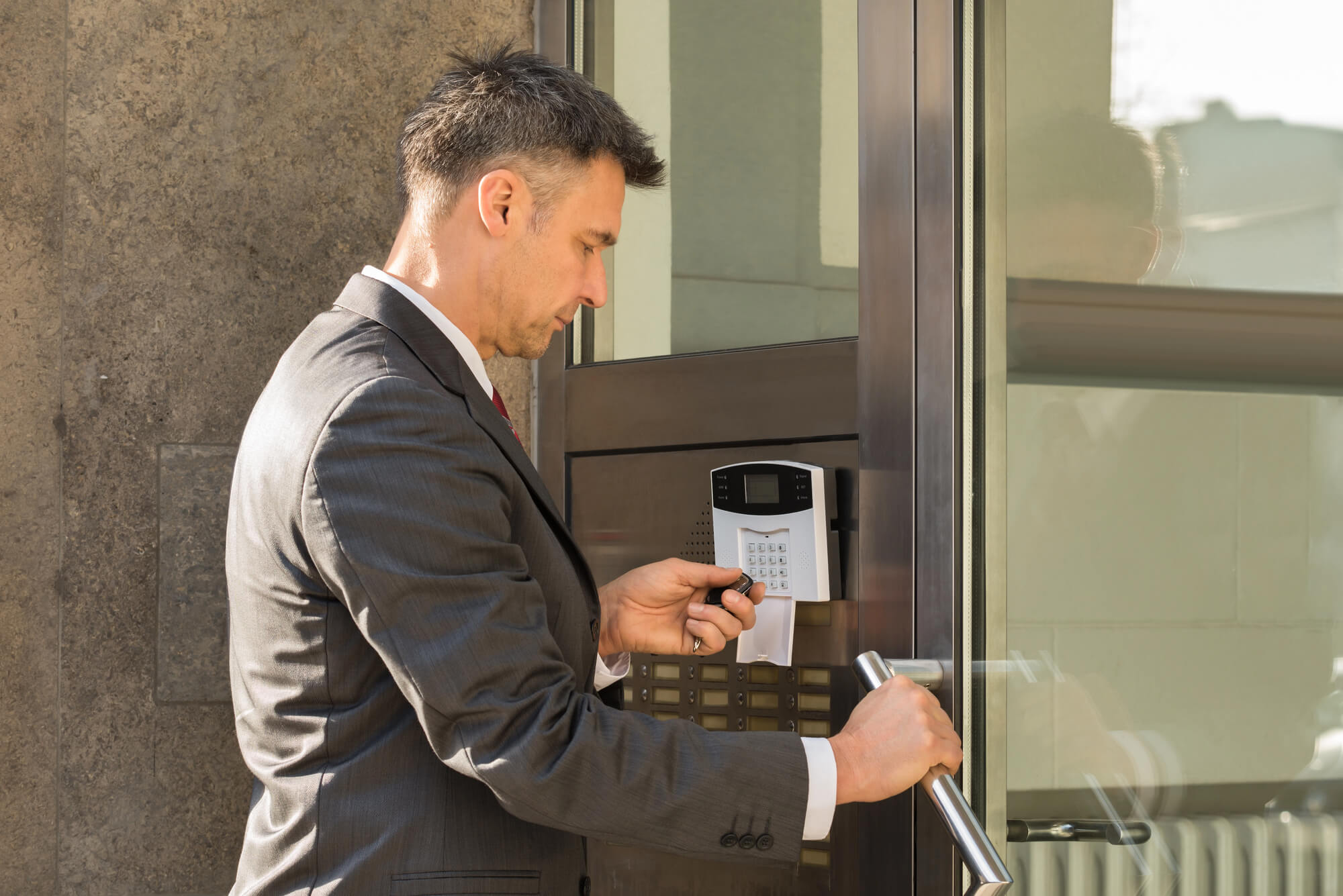
What to Look for Before Hiring a Remote Access Control Provider in the U.S.
Choosing an access control installer is not the same as purchasing a product. The quality of the design, the professionalism of the installation, and the reliability of post-install support determine whether your system actually protects your facility or just creates the appearance of security.
Ask every provider these questions before signing:
- Licensing and insurance: Your installer should carry general liability insurance and, where applicable, state-level low-voltage or alarm contractor licensing. An unlicensed installer working on your electrical or network infrastructure creates liability that falls back on your organization.
- Experience with your building type: Access control for a warehouse operates differently than for a medical facility or a multi-tenant office tower. Ask for references or case studies from similar environments.
- Hardware-agnostic or vendor-locked: Some installers only sell one manufacturer’s hardware, which limits your options and can inflate long-term costs. A qualified provider recommends hardware based on your needs, not their margins.
- Scalability of the system: If you plan to expand, add floors, or acquire additional locations, your access control system should scale without a full replacement. Ask specifically how additions are handled.
- Response time commitment: What happens when a door fails to lock at 11 PM on a Friday? Confirm in writing what support coverage looks like after business hours before any contract is signed.
What Does Remote Access Control Cost in the U.S.?
Access control pricing varies widely depending on the scope of the installation, the hardware tier selected, and whether you opt for a cloud-managed or on-premise system. Most US businesses investing in a commercial-grade system for a single-floor office with four to eight controlled entry points can expect the project investment to reflect hardware costs, installation labor, and configuration fees combined.
Key factors that affect the final cost include:
- Number of doors and access points: Each controlled door requires a reader, controller, and wiring. More doors mean more hardware and more labor hours.
- Credential technology: Basic key fob systems cost less upfront than mobile or biometric readers, but biometric systems often reduce long-term credential management overhead.
- On-premise versus cloud management: Cloud-managed platforms carry a monthly subscription fee but eliminate the cost of on-site servers and reduce IT maintenance burden.
- Integration requirements: Connecting access control to your existing video surveillance, HR system, or visitor management platform adds scope and may require custom configuration.
To get an accurate, itemized quote for your facility, contact Monitex Security directly for an inquiry. We provide written proposals within 24 to 48 hours of your site assessment.
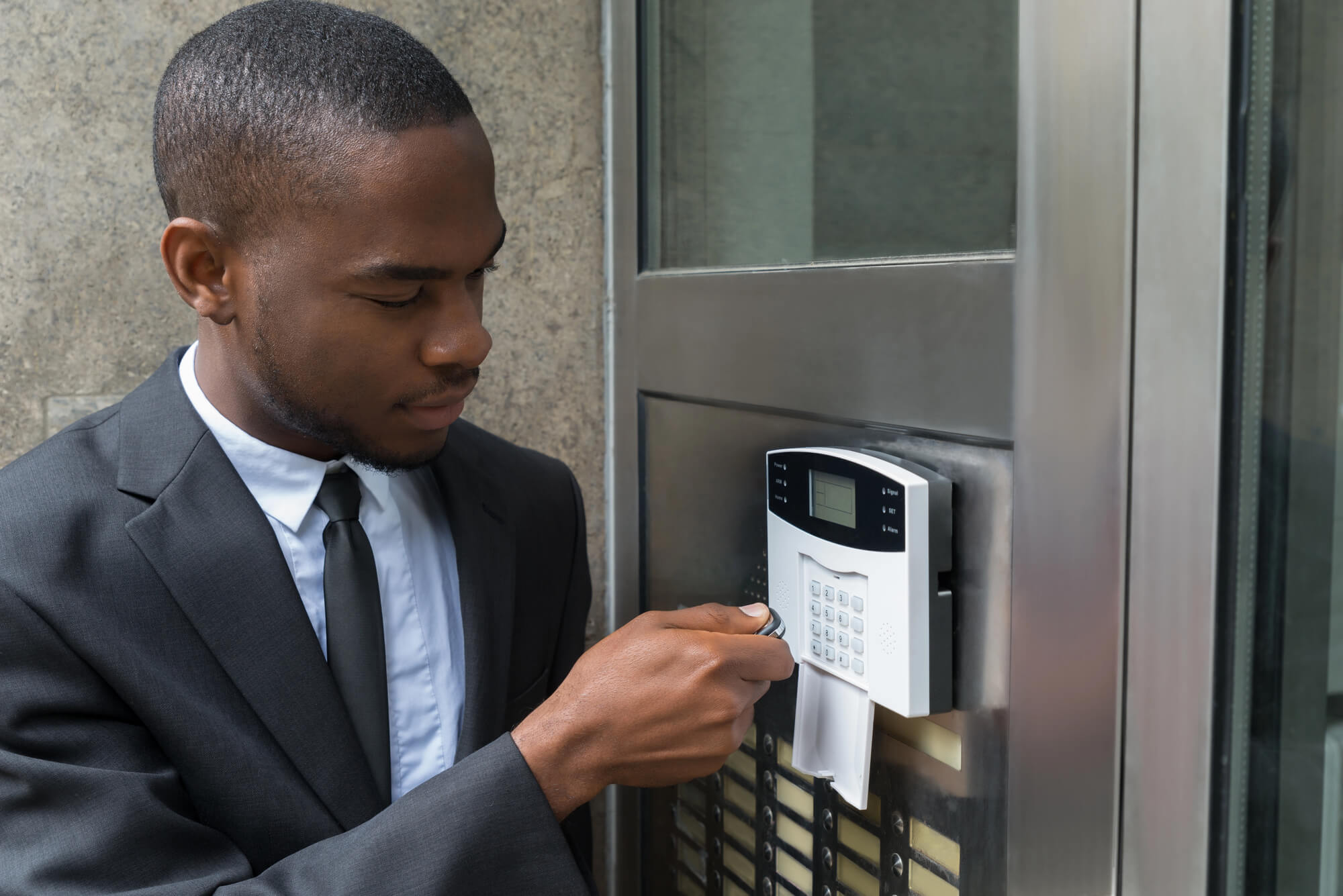
Frequently Asked Questions
How long does a typical access control installation take from first contact to a working system?
For a single-location commercial installation with four to eight doors, most clients go from initial consultation to a fully operational system within two to three weeks. This timeline covers the site assessment, hardware ordering, installation scheduling, and staff training. Larger or multi-site deployments are phased over four to eight weeks depending on complexity.
What should we do to prepare our facility before the installation team arrives?
Ensure that all doors designated for access control are functional and properly aligned, that a network drop or Wi-Fi access point is available near each control panel location, and that a staff member with facility authority is present on installation day. Monitex Security will provide a pre-installation checklist after your site assessment is completed.
What happens if an access event does not match our records or a door fails to secure properly?
Cloud-connected systems trigger real-time alerts for anomalies like forced-door events or failed lock cycles. Your administrator receives an immediate notification. For on-premise systems, event logs can be reviewed at any time. Monitex Security’s support team is reachable at 929-279-4999 to assist with diagnostics remotely or dispatch a technician when needed.
What factors determine whether we need a basic or advanced access control system?
The key variables are the number of entry points, the sensitivity of the areas being protected, your regulatory environment (healthcare and finance have specific compliance requirements), and whether you need integration with other security or HR systems. During the site assessment, Monitex Security helps you map your actual risk level to the appropriate system tier.
How do we get started with Monitex Security for access control?
Reach out by phone at 929-279-4999 or by email at [email protected] to schedule your initial consultation. You can also review our full range of security services through our sitemap to see how access control integrates with other solutions we offer. A Monitex Security consultant will confirm your consultation within one business day.
Get Your Remote Access Control Quote from Monitex Security Today!