
Monitex Security · 24/7 U.S. Monitoring
Remote Access Control With Live Video Verification
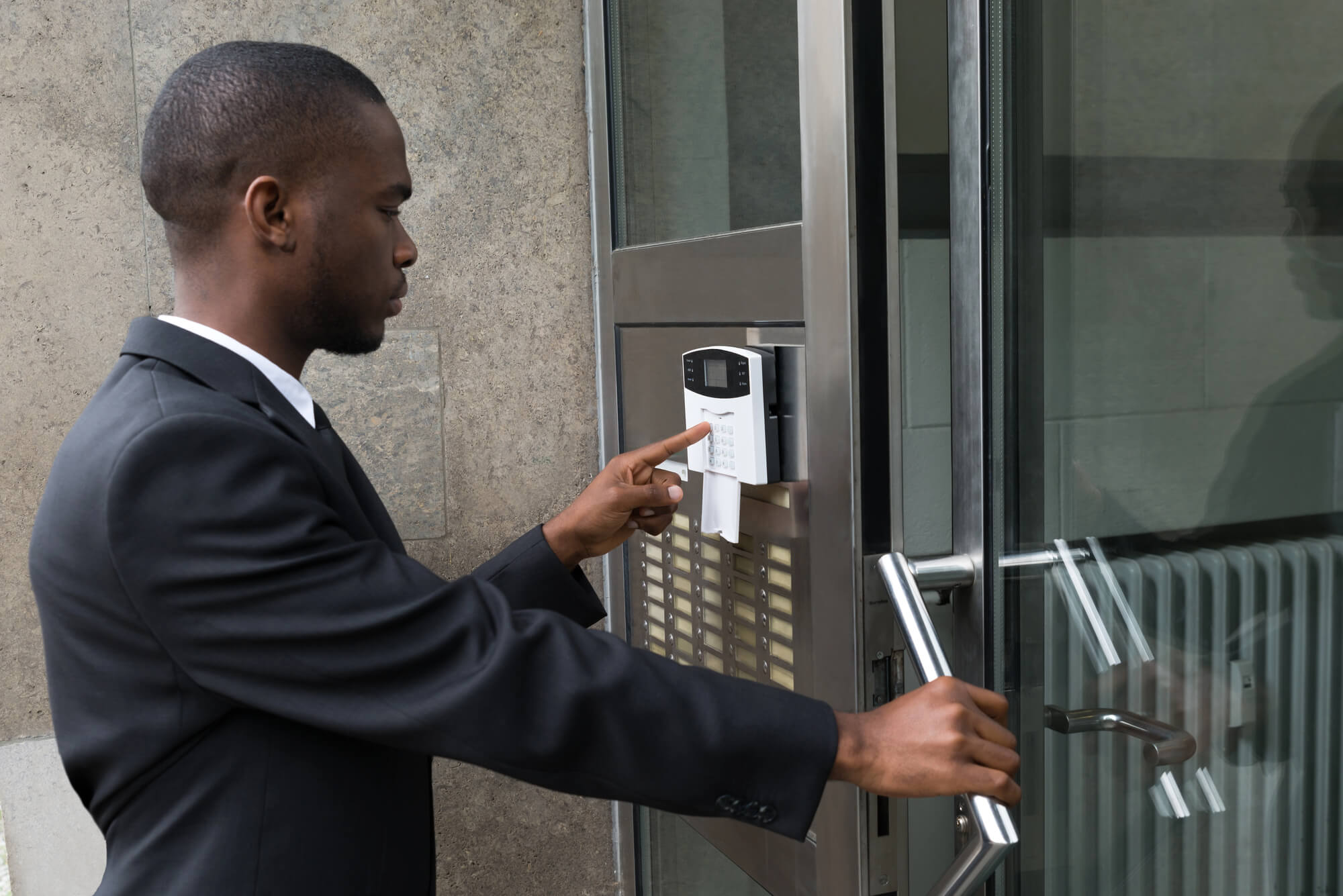
Protecting business operators nationwide
Remote access control lets a business manage its doors, gates and key cards from off site instead of at a panel on the wall. The system decides who gets in and records every entry, but it can’t tell you who actually walked through. Monitex Security adds trained operators who check people at the door over video, respond to door-forced alerts and pull entry logs with the matching footage.
What Remote Access Control Covers and What It Misses
Remote access control is the physical-security kind: readers, electric locks and software that let you decide who opens which door, and when, without being on site. (In IT, the same phrase means controlling remote logins to a network. This page is about doors.) A good system cancels a lost card quickly and records every entry.
What it can’t do is see. A badge reader knows a valid card was presented; it doesn’t know whose hand held it. Systems raise alerts when a door is forced or held open, but at 2 a.m. those alerts often land in a dashboard nobody is watching.
Our operators work from the same idea as our live video monitoring: someone looks at the camera while it’s happening. Contact for inquiry and we’ll go through your entrances with you.
These are the events an access system records that are worth a live look:
- A door forced open with no valid card read
- A door held or propped open past its time limit
- Repeated invalid card or code attempts at one reader
- Entries outside the hours a credential is normally used
- Two people entering on one card read
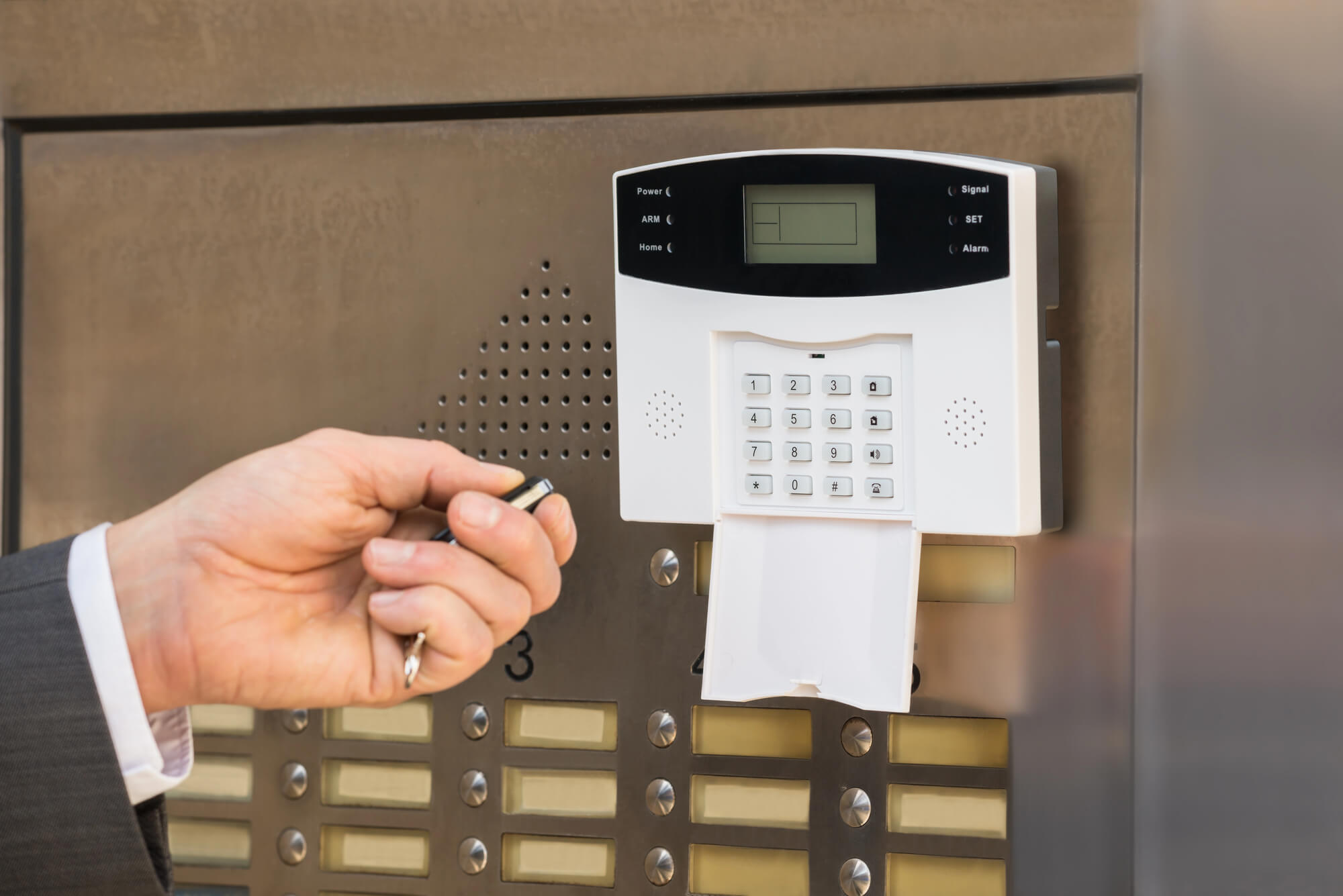
How Monitex Security Works With Your Access Control
The process links your access points to cameras our operators already watch. Your system keeps doing its job; our team adds eyes and a response.
Step 01
Review Your Entrances
We start with the doors themselves: which ones are controlled, which cameras cover them and which alerts your system can send. A common gap: a reader-controlled side door with no camera on it.
Step 02
Put Cameras on the Doors That Matter
Each controlled entrance needs a camera view of the person at the door, not just the hallway. We use the cameras already on site and tell you which doors have no usable view.
Step 03
Professional Installation and Cable Management
When a door-forced alert comes in, an operator pulls up that door’s camera and sees who is there. Not every attempt triggers an alarm, though.
In one case from our monitoring team, a person pulled on a building’s locked front entrance and waited for a chance to get inside. Once in, they walked across the lobby and pulled on another door. Operators saw both attempts on camera and contacted police, and officers arrived while the person was still in the building. See the door-handle case.
Step 04
Check People Over Video
Operators look at who is actually at the door and compare it with what the system expected. If someone has no reason to be there, they warn them through on-site speakers, alert your contacts and call police when needed.
Step 05
Pull Entry Logs With the Footage
After an incident, you get the entry log for that door with the matching video, so you can see who used a card and what they did next. That record answers the question a log alone can’t: who was really there.
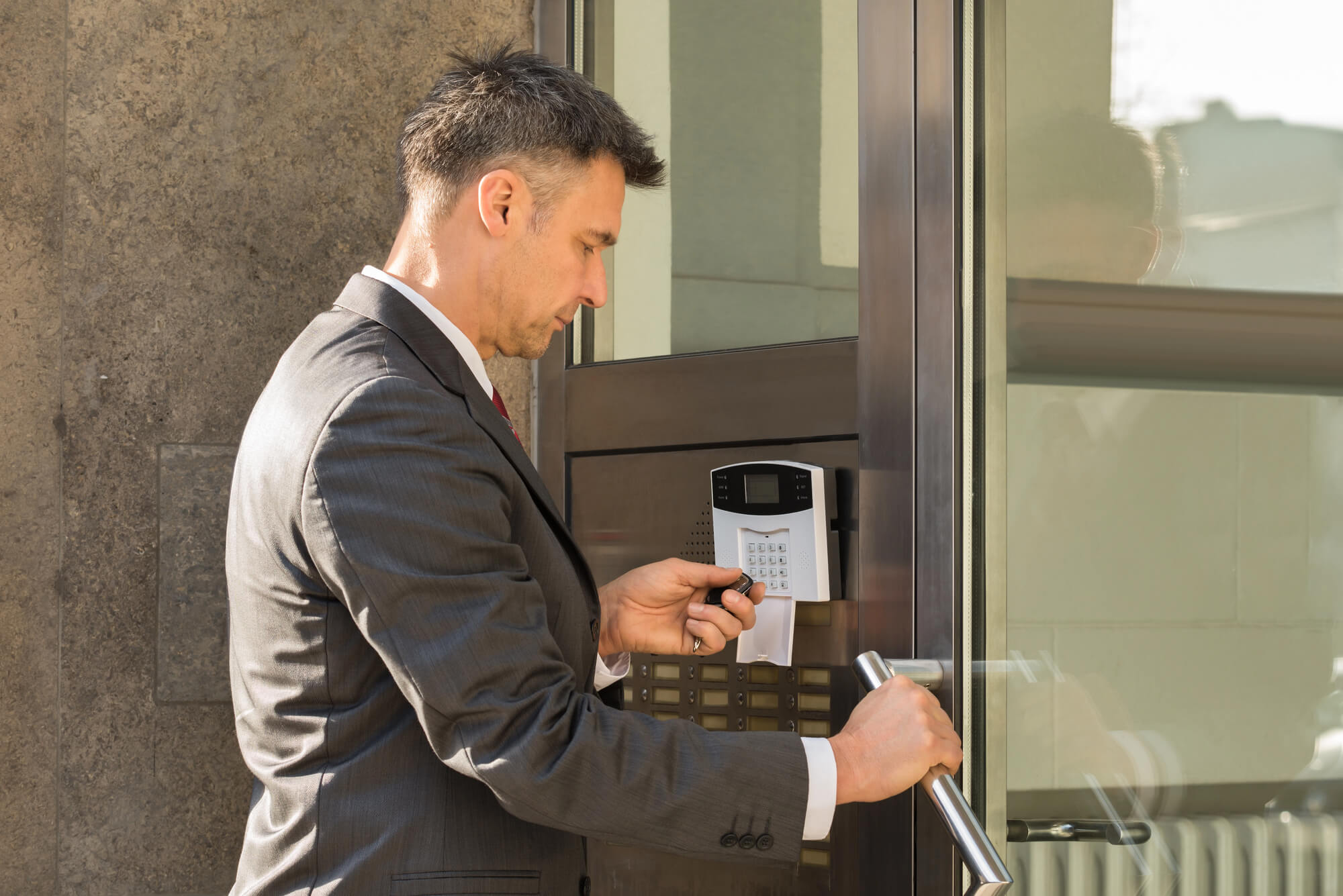
What an Access Log Shows and What an Operator Sees
Access records and live video answer different questions. Federal security controls split the work the same way. Control PE-6 in NIST SP 800-53 Rev. 5 calls for monitoring physical access to detect and respond to incidents, and for reviewing physical access logs. Most businesses aren’t bound by NIST, but the split is a useful test of what your doors are missing.
Situation | What the access system records | What a live operator can do |
Someone follows an employee in | One valid card read; the second person isn’t recorded | See two people enter on one read and check who the second person is |
A card is lent, or a departed employee’s card still works | A normal entry under the cardholder’s name | Match the entry time to the video, so you see who really used the card |
A side door is forced at night | A door-forced alarm | Pull up the camera, warn the person through speakers and call police |
A door is propped open | A held-open alert | See whether it’s a delivery or an open door, and alert your contact |
Someone tries a locked door and walks away | Usually nothing | See the attempt and act if the person keeps trying |
Where Monitored Entry Matters Most
Every building with controlled doors has a gap between the access record and the person. These are the properties where it costs the most.
Office buildings have staff turnover, cleaning crews and side doors used after hours. The federal Interagency Security Committee names managing access to facilities and IT systems as a core part of handling employee separations (ISC, 2024 edition). Cancelling the card is step one; watching the doors is how you know it worked.
Apartment and residential buildings depend on fobs that residents lend, copy or lose, and on lobby doors that close slowly behind a tenant. For lobbies and package rooms with visitors, our remote doorman services handle the front door as a full lobby service.
Warehouses and self-storage facilities run on gate codes shared by many people and dock doors that open all day. A code entered at the gate tells you whose code it was; a camera at the gate tells you which vehicle came in with it.
Frequently Asked Questions
What is remote access control?
Remote access control is managing a building’s physical entry points from off site: issuing and cancelling credentials, setting door schedules and reviewing entry events in software. The access system controls the locks. Monitex Security adds operators who watch the cameras at those doors and respond to alerts.
Is remote access control the same as access control as a service?
Not quite. Access control as a service is a way of buying the system: the software is hosted in the cloud and paid for by subscription. Remote access control describes what you can do from off site. Live monitoring is a separate service on top of either one, and it decides whether anyone looks at an alert when it fires.
Can you work with the access control system we already have?
Our operators use the cameras already on your site. Whether your access control alerts can reach our operators depends on the system, so tell us which one you use and we’ll check it with you.
What happens when a door-forced alert comes in at night?
An operator opens the camera covering that door and checks who is there. If it’s someone with no reason to be on site, the operator warns them through on-site speakers, alerts your contacts and calls police when the situation calls for it. The event goes into your incident report with the video clip.
Do we need new door hardware?
Not always. Many sites already have readers and cameras and only need the camera views and alerts connected. Where a door has no reader or no camera on it, we can connect you with low-voltage contractors in your area.
Put Live Operators Behind Your Access Control