
Last updated:
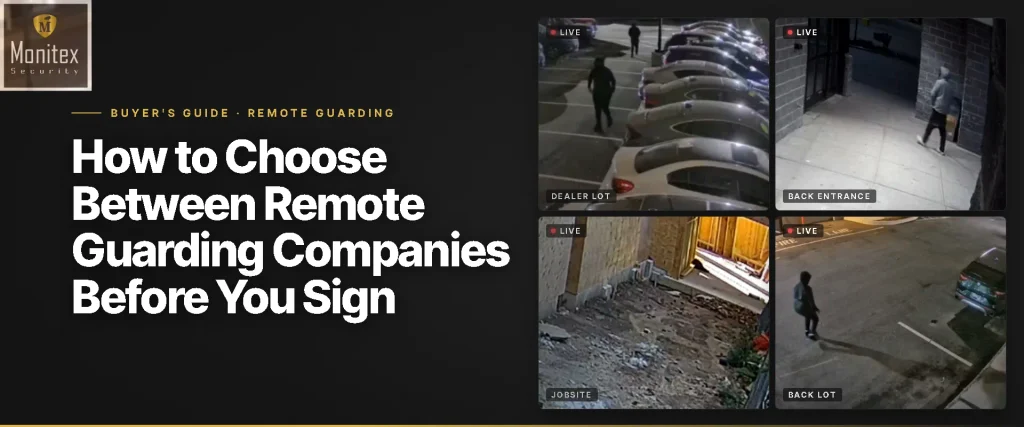
To choose between remote guarding companies, check four things in order: whether trained operators watch your cameras live or software only forwards alerts, what happens when someone ignores a spoken warning, what the provider tells police, and how it performs in a test you set up. Ask each provider the same questions, request a sample incident report and a real talk-down clip, and agree a walk test of your site after hours before you sign.
Key Takeaways
- Remote guarding companies differ most in what happens after the alert, not in the cameras they use.
- Rule out any service where software sends you a clip and nobody responds on site.
- Ask every provider the same six questions and write down the answers side by side.
- A pre-arranged walk test after hours shows how fast an operator speaks up and what they say.
- A sample incident report tells you more about a provider than its sales deck.
Comparing Remote Guarding Companies Without Taking Their Word for It
Remote guarding companies all promise the same thing: live operators who stop trouble before it starts. The way to compare them is to check what each one does in the minutes after a camera picks up a person at your gate. Then test it yourself before the contract starts.
Most buyers already know what remote guarding services are. The hard part is telling a provider that watches and responds from one that forwards motion clips to a phone. The four steps below work for any provider, Monitex Security included.
If you’d rather go through the list with us on a call, Contact for inquiry and we’ll answer every question here for your site.
Step 1: Keep Only Providers That Watch Live
A remote guarding company should have trained people watching the feeds during your hours and responding while the incident is happening. Three kinds of service get sold under similar names:
- Alert forwarding, where analytics send a clip to you and you decide what to do at 3 a.m.
- Recorded review, where someone checks footage after an alarm or the next morning.
- Live monitoring with response, where an operator checks the view, talks to the person and calls police.
Only the third one is remote guarding. Ask the provider plainly which one you’re buying. Our live video monitoring page shows how the alert-to-operator hand off works on our side.
Step 2: Ask Every Provider the Same Six Questions
The same six questions, asked the same way, make the answers easy to compare. Write them down in a table like this one.
| What to ask | A good answer | A warning sign |
| Who checks each alert? | A named team of trained operators, with supervisors checking their work | “The AI handles it” |
| What happens if the person ignores the warning? | A police call with a description, and the operator keeps watching | No clear next step |
| What do you tell police? | What the operator saw: how many people, where, what they’re doing | “We report an alarm” |
| Can you use my existing cameras? | A site review first, then a list of what works and what’s missing | Replace everything before anyone looks |
| What does the incident report include? | Time, clip, what the operator said and who was called | No sample available |
| How do changes work? | New hours, gates or contacts updated on request | Changes need a new contract |
The police answer matters more than it looks. The Monitoring Association’s AVS-01 standard grades alarms from Level 0 to Level 4 so dispatchers can prioritize calls. The Partnership for Priority Verified Alarm Response argues that alarms verified by video should be treated as crimes in progress. A provider whose operators describe what they see gives police that verified picture.
Compare quotes on the same terms, too. Price usually depends on how many cameras are watched, the hours covered and how busy the site is. Ask each provider to quote the same cameras and the same hours.
A quote that looks low because it covers fewer cameras or only part of the night isn’t a cheaper version of the same service. Our guide to how virtual guard costs add up walks through those factors.
Step 3: Test the Response Before You Sign
A test on your own site shows more than any demo. Arrange a walk test with each provider in advance. A member of your team walks onto the site after hours, at a time the provider knows about but the operators on shift may not. Confirm beforehand that no police will be dispatched for the test.
Then note what happens. How long before someone speaks through the speaker? Does the operator describe the person and tell them to leave, or play a recorded message? Does a report arrive afterward, and does it match what happened?
Ask for real footage too. On one construction site we were monitoring, two men stepped out of a truck late in the day and walked onto the property. Our operators flagged them, alerted police and kept the cameras on them until officers arrived and went after them (watch that construction site response). Any provider should be able to show you a clip like that.
Step 4: Check the Provider Fits Your Kind of Site
The right provider has handled sites like yours. Remote guarding suits properties that are empty or open after hours. Think of construction sites with tools and copper behind a fence, car dealerships with inventory parked in rows, yards, lots and vacant buildings.
It’s the wrong tool for jobs that need hands: a front desk, badge checks at a gate during the day, or crowds at an event. Those still need people on site, and many properties use both. If you’re weighing remote guarding against guards on their own, look at why security guards fail when they’re the only layer after hours.
Ask each provider for an example from your industry and how they’d set up your site, and ask to speak with a client who runs a similar property. A vague answer is a signal on its own.
How Monitex Security Answers These Questions
Monitex Security has provided live video monitoring since 2019, with a team of more than 550 people. Here’s how we answer the checklist:
- AI flags activity, a trained operator checks every alert, and supervisors oversee the operators.
- When someone ignores the spoken warning, the operator calls police with a live description and keeps watching.
- We start with a review of your site and connect compatible existing cameras.
- Every incident comes with a report and timestamped footage.
See how our remote guarding service works step by step, then put us through the same questions as everyone else. Contact for inquiry.